Payments that keep up with your practice
From exam room to checkout, fast and friendly card payments for clinics, with Clover and Dejavoo devices your team will pick up in minutes.
Talk to AJ about POS Get a Free Quote
Proud partner of IAVMA
777 Payment Processing is a proud partner of the Indo-American Veterinary Medical Association (IAVMA).
IAVMA is a non-profit, volunteer-run association that unites veterinarians of South Asian heritage across California, supporting continuing education, mentoring, and community service. We're honored to support IAVMA member practices with straightforward card processing, the right hardware for the front desk and exam room, and real people when you need help.
IAVMA member? Mention it when you contact us.
Get a Free Quote Visit IAVMACare for pets. Clarity at checkout.
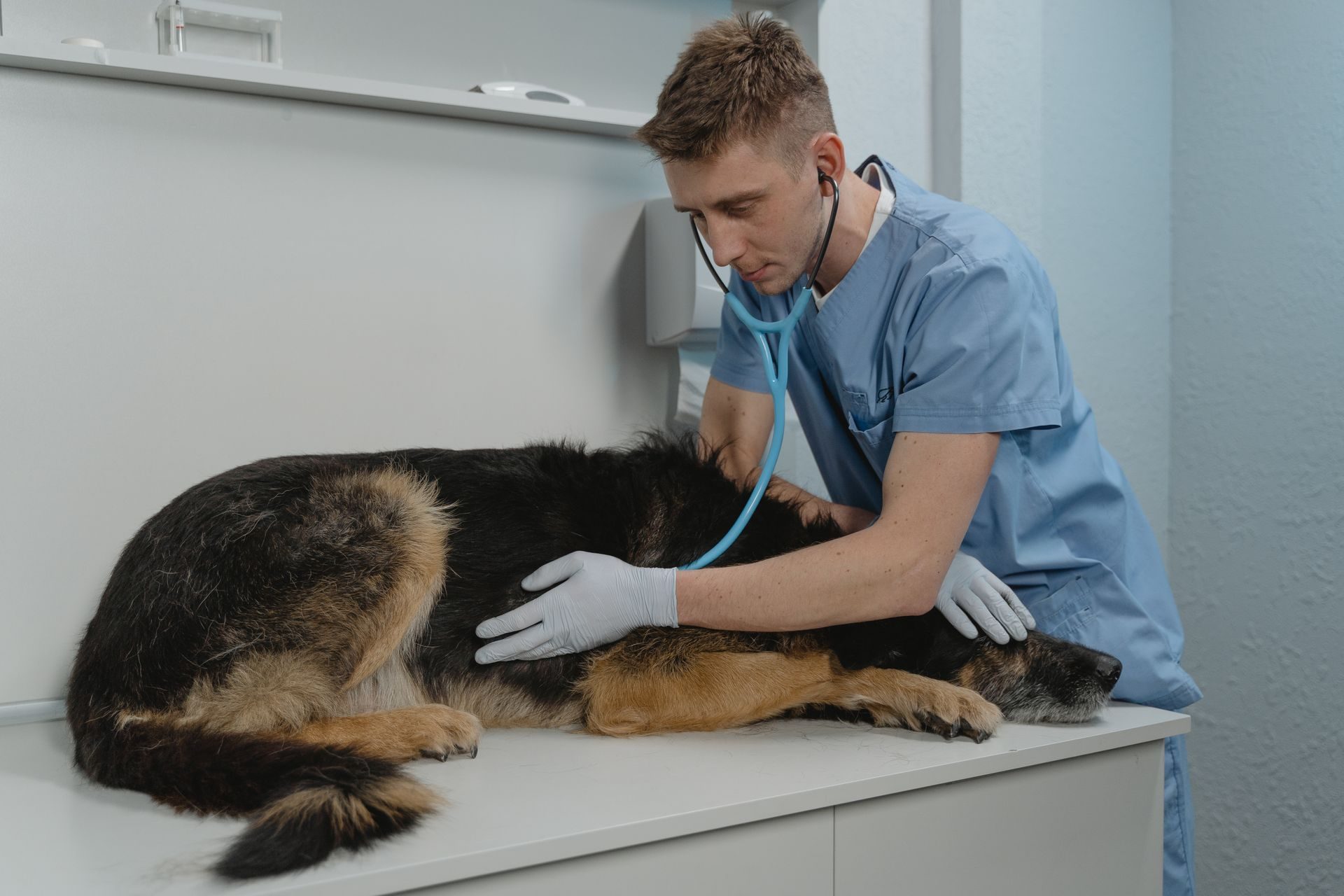
Veterinary practices need clean receipts, stored cards where appropriate, and hardware that doesn't slow the front desk. We set up Clover and Dejavoo systems with processing tailored to your clinic.
Recommended Hardware / Point of Sale
Two proven platforms for veterinary practices: Dejavoo and Clover. We'll help you choose the right mix for your front desk and exam rooms.
Dejavoo P8 & P3
Dejavoo terminals are fast and secure, and they're backed by iPOSpays, Dejavoo's omni-commerce gateway and merchant portal. In-person, phone, and online payments all live in one place.
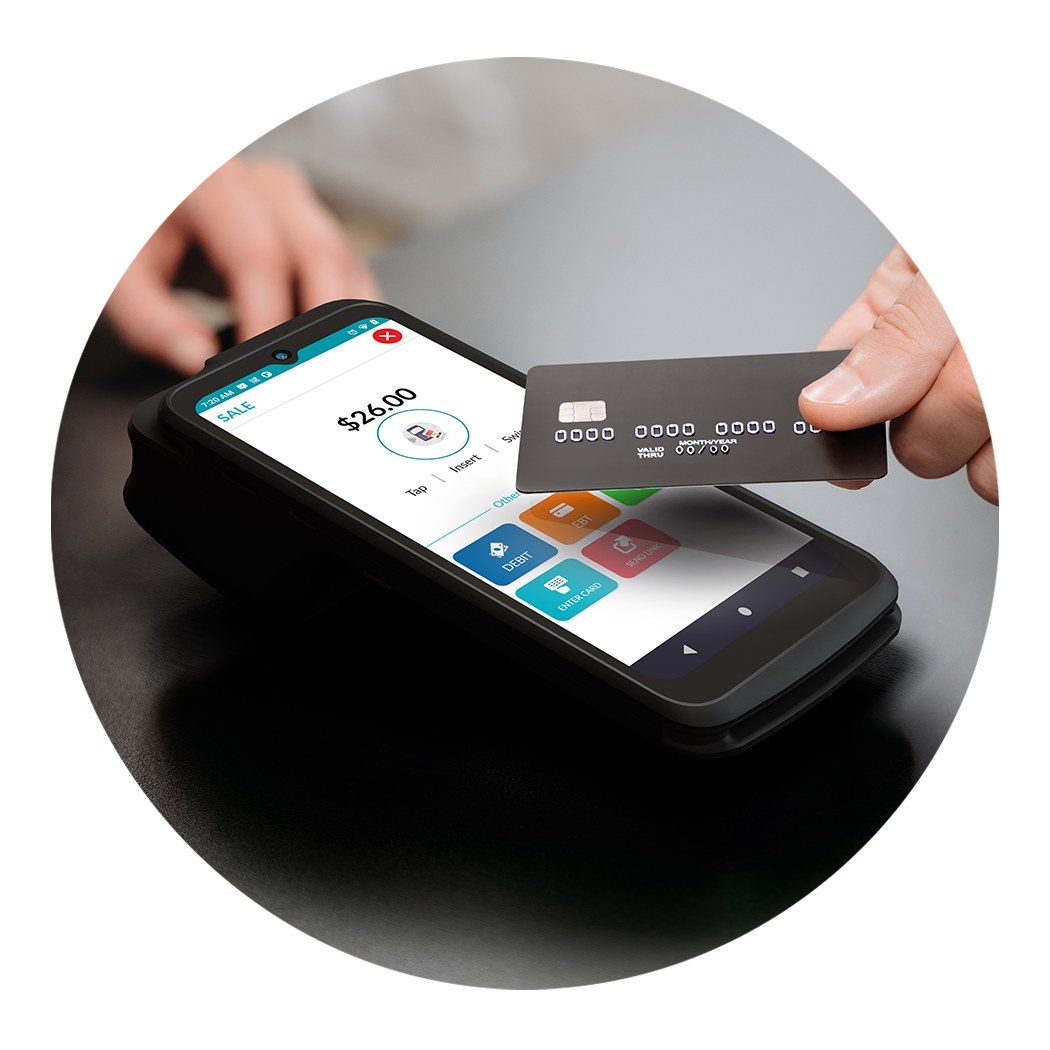
Dejavoo P8
The front-desk workhorse: a large-screen Android terminal with a built-in scanner and printer, built to handle a busy reception counter all day.
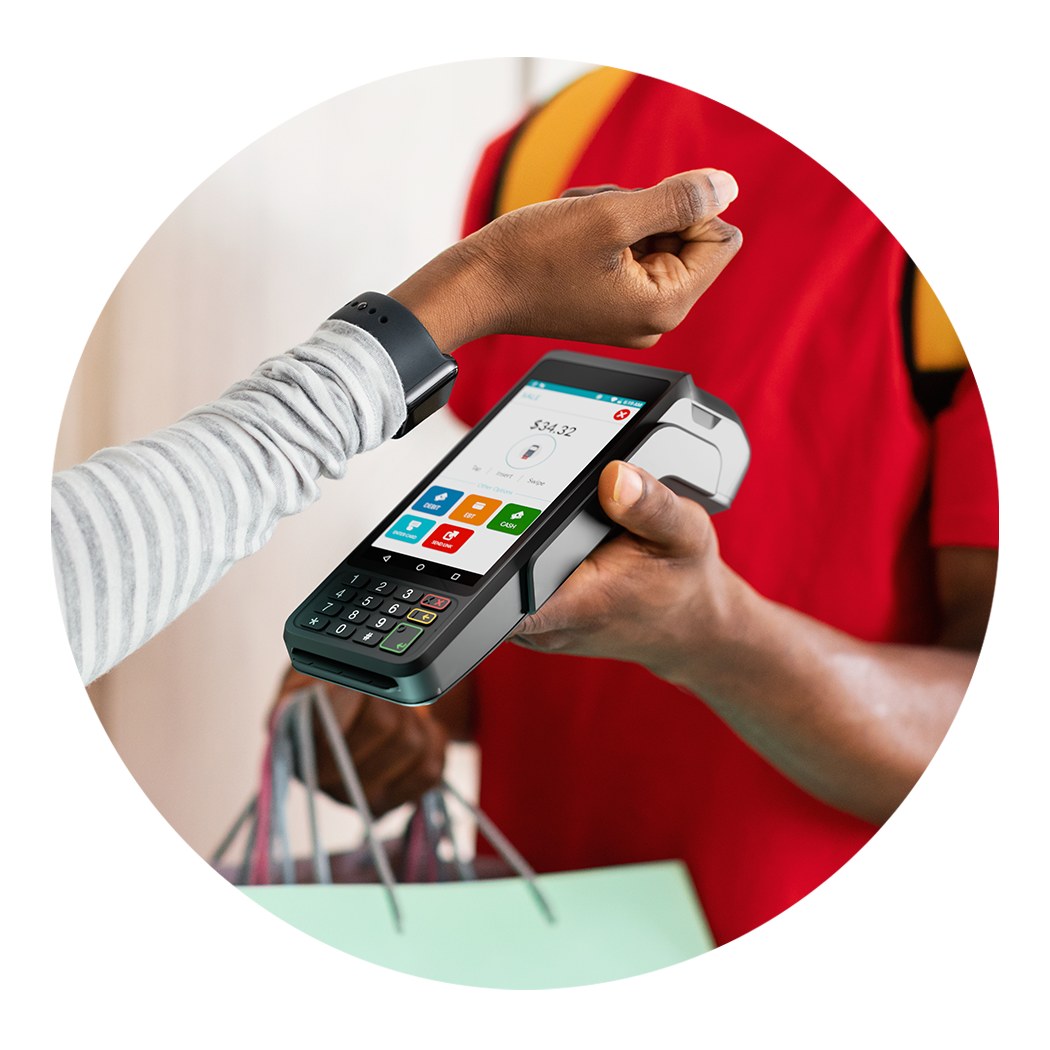
Dejavoo P3
Compact, travel-ready wireless terminal that goes wherever the visit happens. Take payment privately in a back room or exam room, or step outside to the curb or parking lot.
A superior back office: iPOSpays by Dejavoo
The tools a veterinary front desk actually uses, from the terminal to your laptop.
Live transaction & batch review
See today's sales as they happen in the iPOSpays portal. Search, refund, or void transactions, then review, settle, and download batch reports.
Payment links by text or email
Send a secure payment link for an estimate, a pharmacy refill, or a balance due, and track its status in real time.
Text & email receipts
Clients choose a text, email, or printed receipt (or none) right on the terminal, and you can resend receipts from the portal.
Secure card on file
Save a client's card to their profile with a $0.00 validation, protected by tokenization, and charge it later without re-entering it.
Recurring billing
Automate weekly, monthly, or quarterly payments. It's a natural fit for wellness plans and other scheduled services.
Virtual terminal & invoices
Cloud POS turns any computer into a virtual terminal for phone payments and itemized invoices, including partial payments on an invoice.
Pre-auth for deposits
Place a hold for a surgery or boarding deposit, increase it if the estimate grows, then capture the final amount.
Surcharge & dual pricing
Built-in fee programs, including credit-card surcharging and cash/card dual pricing, can be configured where permitted. Tip prompts are optional.
Clover Flex & Clover Mini
Prefer an all-in-one POS? Clover pairs a handheld for exam-room checkout with a compact countertop for reception, managed from one Clover Dashboard.
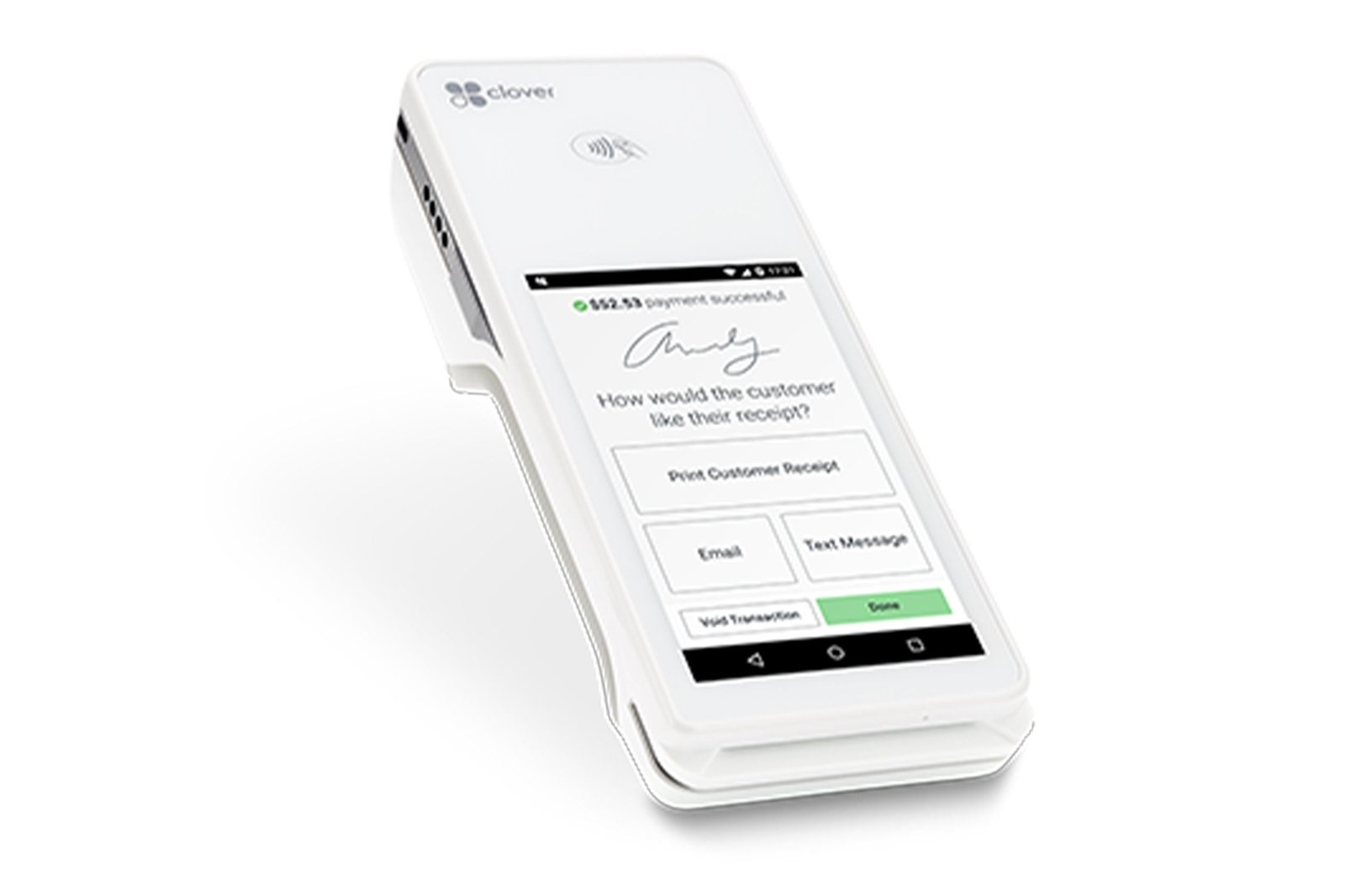
Clover Flex
Handheld POS that goes where your team goes: the exam room, the lobby, or curbside.
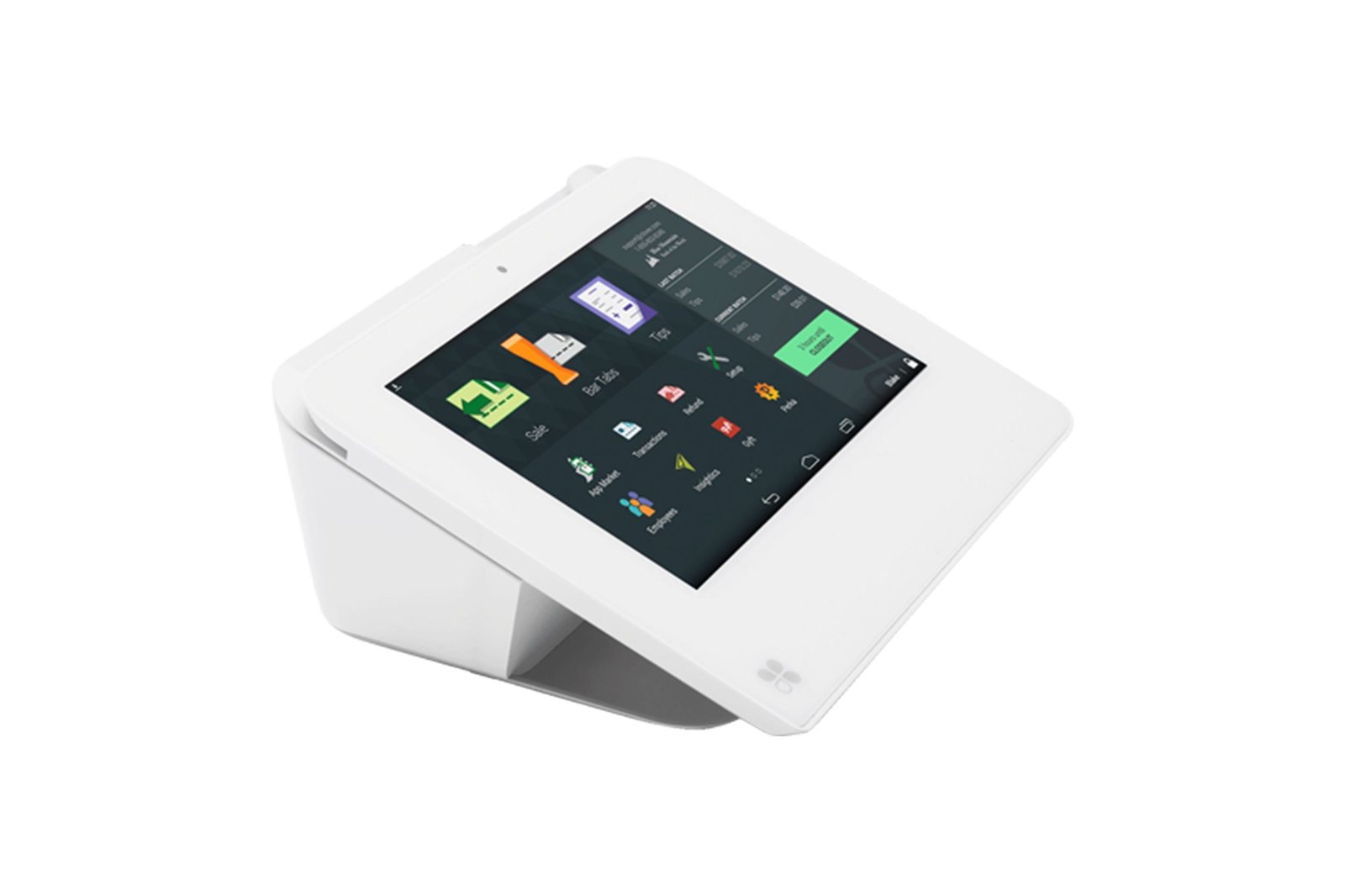
Clover Mini
Compact countertop POS that fits on even a crowded reception desk.
Run your practice from the Clover Dashboard
Clover Dashboard
Track sales in real time from a laptop or phone, including refunds, end-of-day totals, and card types across every location.
Virtual Terminal
Key in payments taken by phone, email, or mail from the Clover Dashboard. Included in select Clover plans.
Email invoices
Email an invoice with a Pay button that links to a secure online checkout, and track what's sent, paid, and pending.
Card on file & recurring
Save a client's card with their permission and set up recurring payment plans for wellness or monthly programs.
Pre-authorizations
Place a hold for a deposit, then complete the final amount. Clover requests an incremental authorization automatically if the total grows.
Inventory & low-stock alerts
Track stock on food, retail, and pharmacy items and get alerts by email and push notification when an item runs low.
Offline payments
Keep taking payments for up to 7 days if the internet drops, with per-payment and total limits you set.
Appointments & apps
Add online booking, email reminders, and client history, and extend Clover with apps from the Clover App Market.
Contact Nate or AJ
Nate — Office Manager
(209) 666-0333 · nate@777processing.com
AJ — Point of Sale
(707) 805-4771 · aj@777processing.com
Get a Free Quote Contact UsSimplify clinic payments
Request a free quote for your practice.